
Owning rental property isn't just about collecting rent. It's about understanding how much your property earns, how much you spend, and whether you're actually making a profit.
A rental property income statement, also called a profit and loss statement (P&L), helps landlords track their financial performance and make smarter investment decisions.
A rental property income statement summarizes your property's income and expenses over a specific period, such as a month or year.
The basic formula is:
Net Income = Total Revenue − Total Expenses
For example, if your property generates $30,000 annually and has $18,000 in expenses, your net income is $12,000.
However, accounting profit isn't always the same as cash flow, since mortgage principal payments and certain capital expenses are treated differently.
An income statement typically includes three main categories:
1. Rental Income
Money earned from rent payments, parking fees, pet fees, laundry income, and other rental-related charges.
2. Operating Expenses
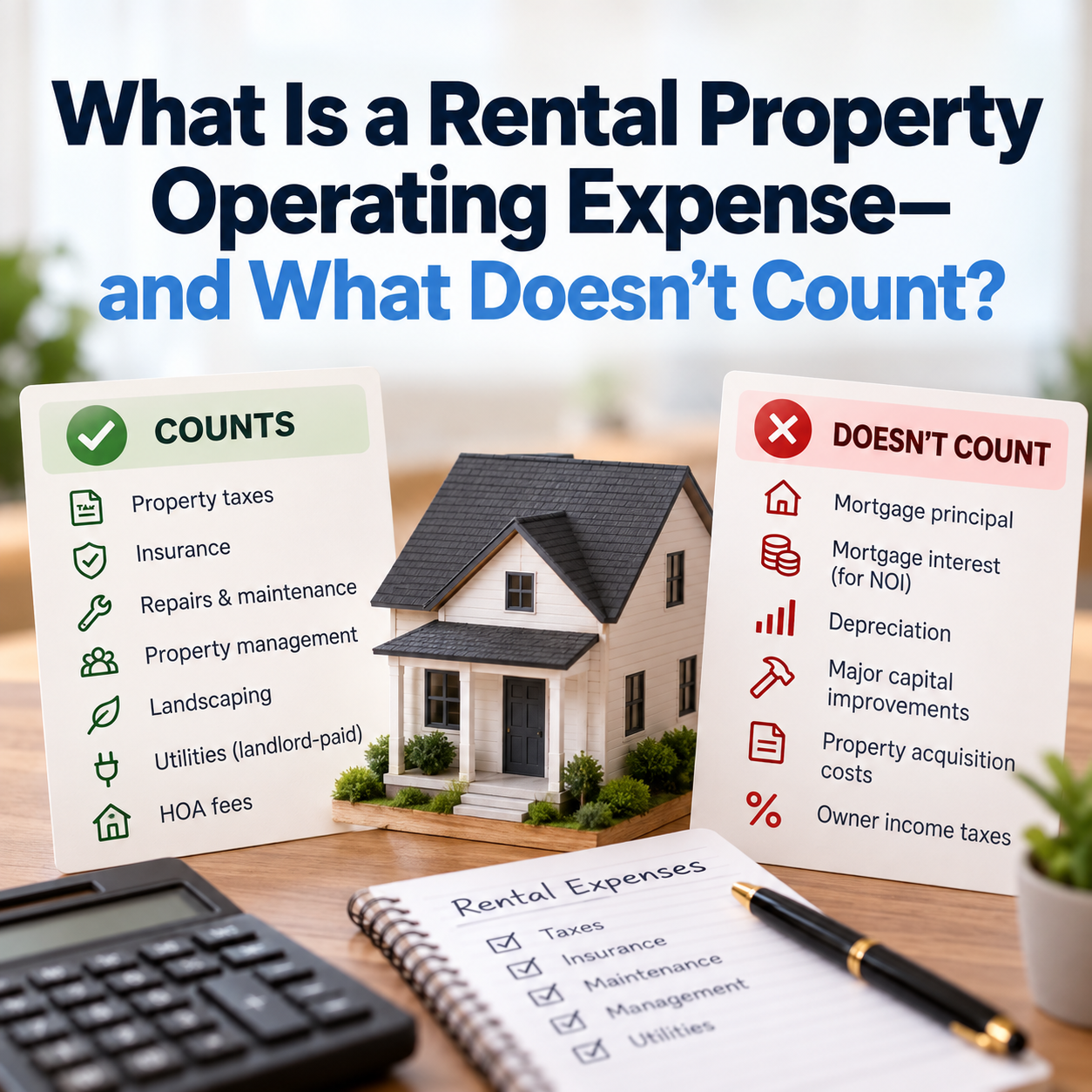
Costs associated with running your property, including:
3. Other Expenses
These may include mortgage interest and depreciation. Mortgage principal payments are not considered income statement expenses.
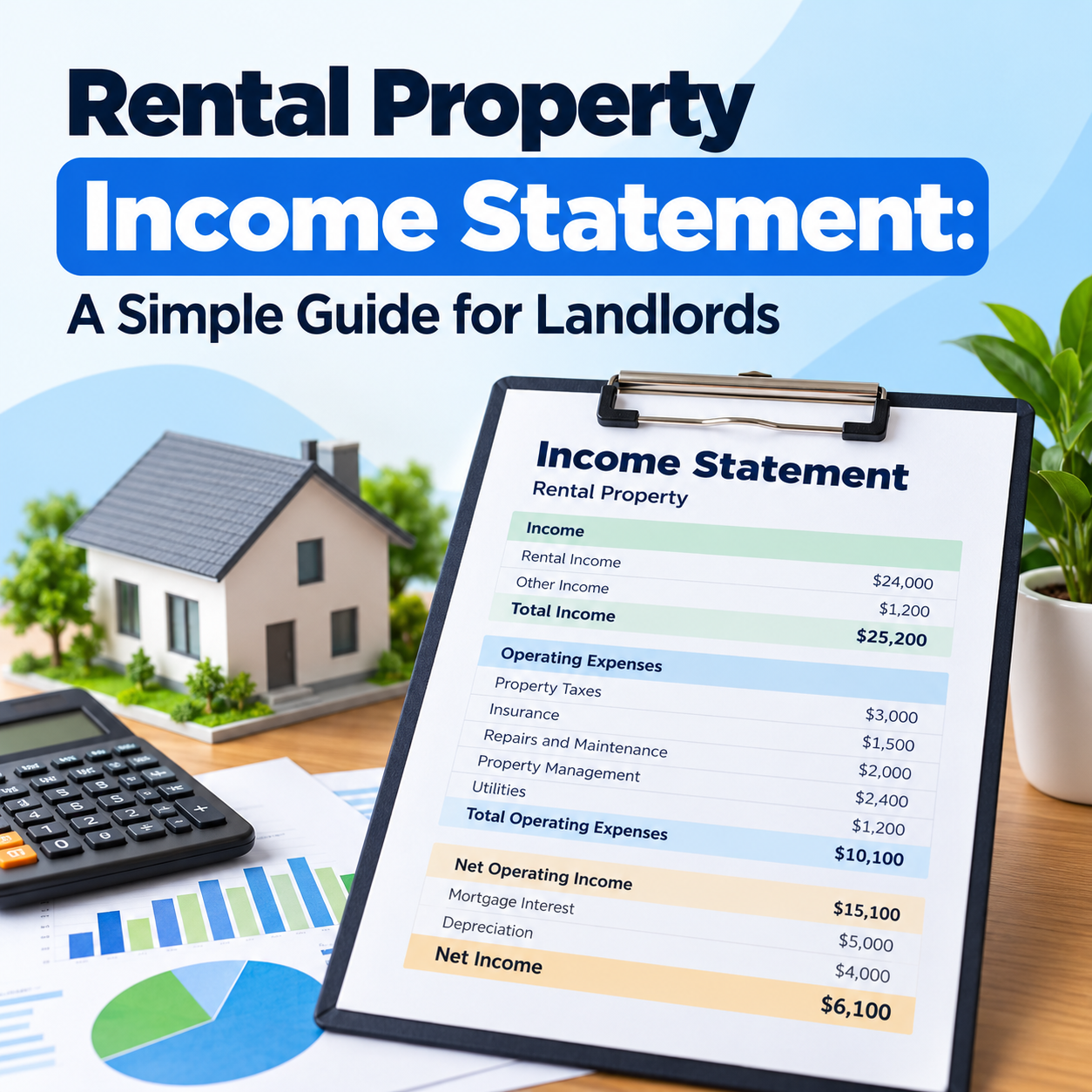
Here's a simple annual example:
CategoryAmountRental Income$24,000Other Income$1,200Total Income$25,200Property Taxes$3,000Insurance$1,500Repairs and Maintenance$2,000Property Management$2,400Utilities$1,200Net Operating Income$15,100Mortgage Interest$5,000Depreciation$4,000Net Income$6,100
This property generates $6,100 in annual accounting profit after the listed expenses.
An income statement helps landlords:
Creating an income statement involves five simple steps:
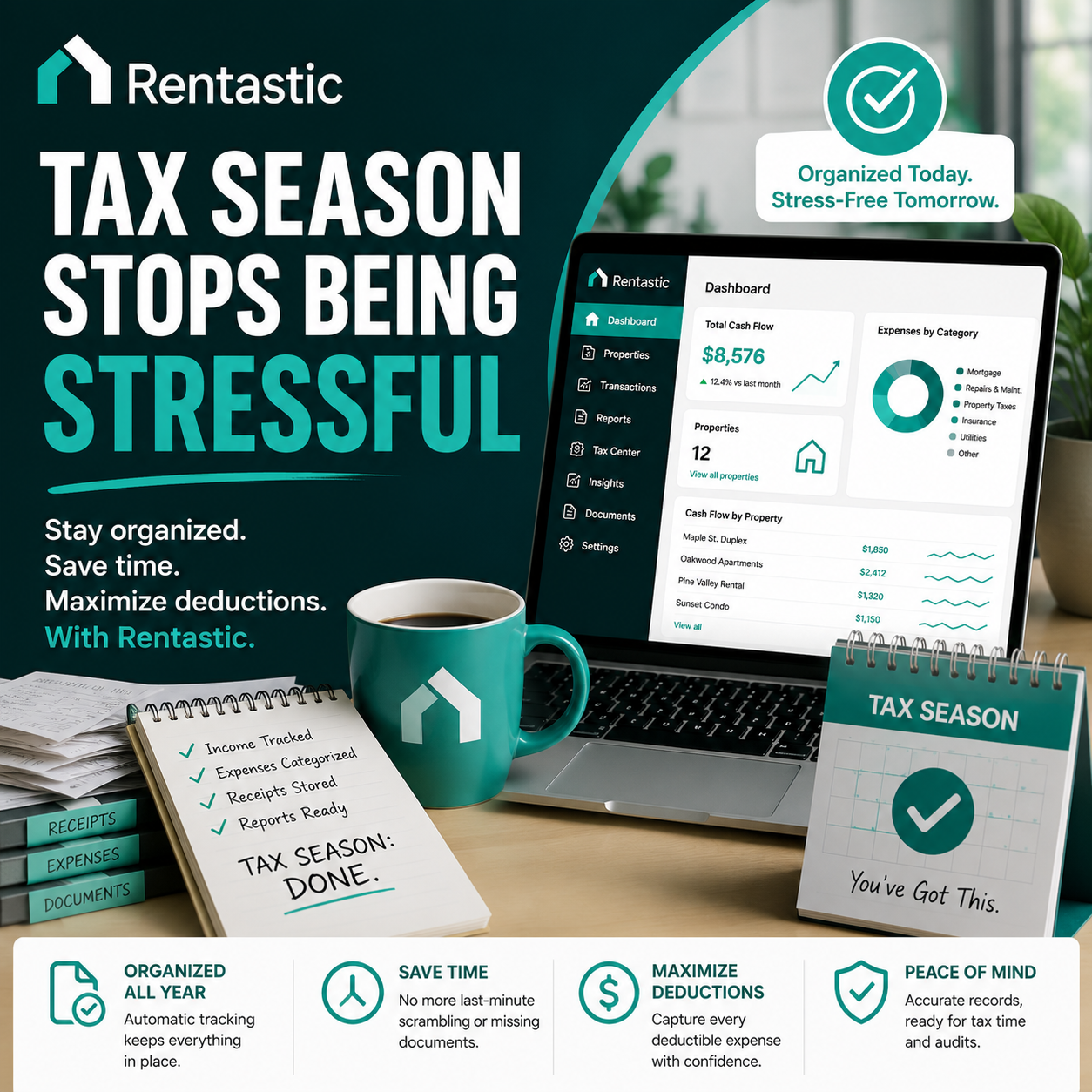
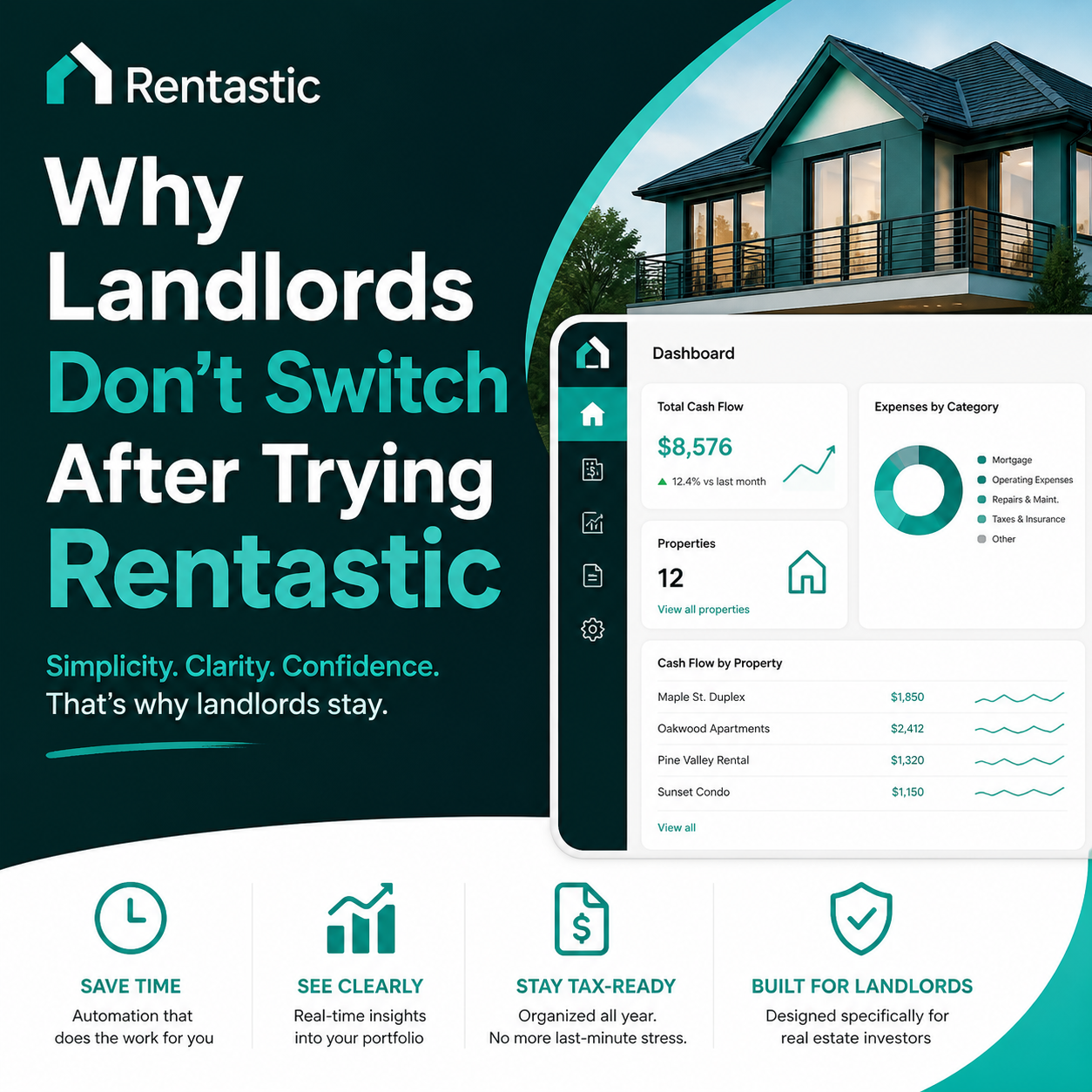
Manually tracking income and expenses can become overwhelming, especially when managing multiple properties.
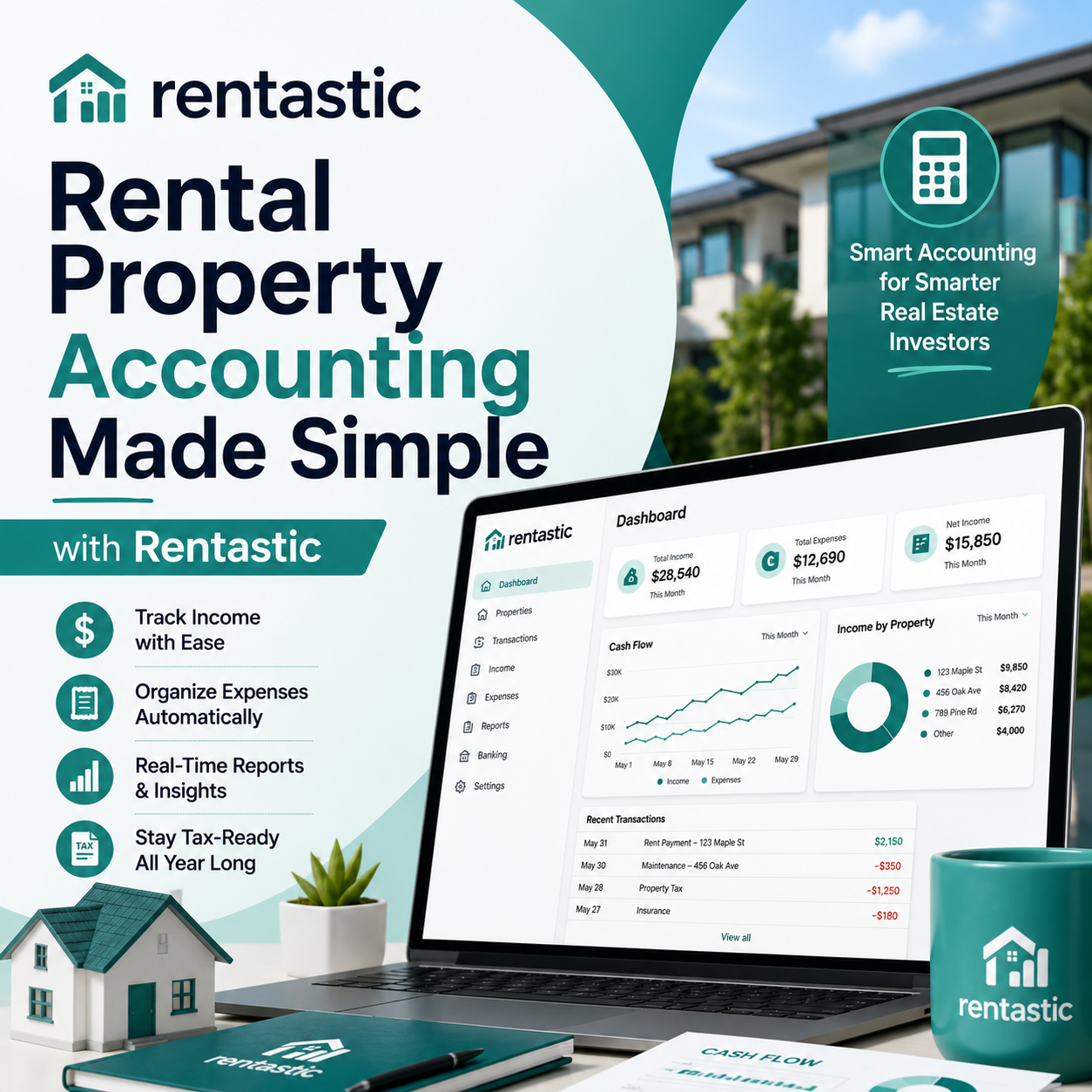
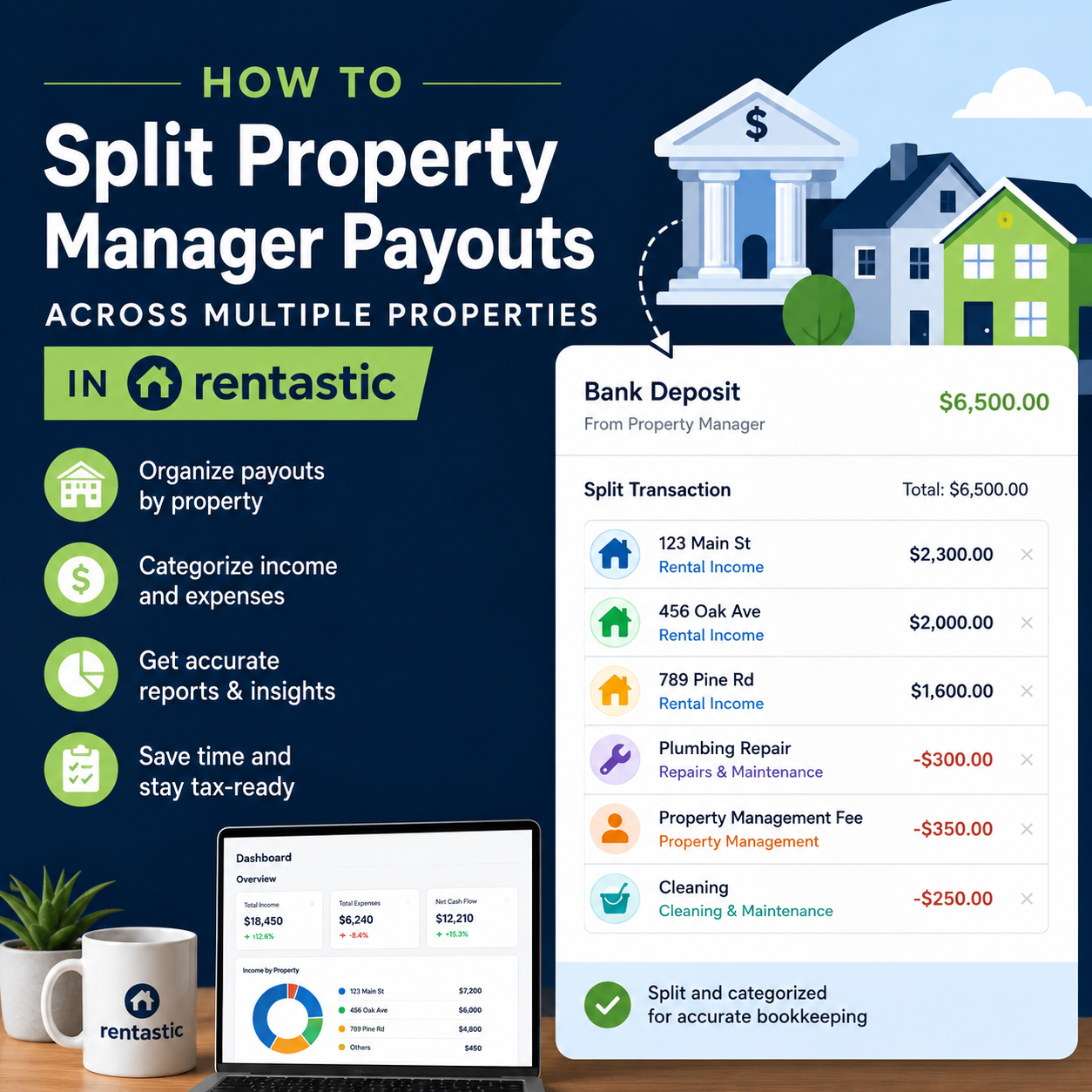
Rentastic helps landlords simplify rental property bookkeeping by allowing them to:
With organized financial records, you can spend less time managing spreadsheets and more time growing your rental business.
A rental property income statement gives landlords a clearer understanding of their property's financial health.
By regularly tracking income, monitoring expenses, and reviewing profitability, you can make better financial decisions and build a more successful rental portfolio.
Ready to simplify your rental property finances?
Visit Rentastic and start managing your rental income and expenses with confidence.
RECENT POSTS


© 2025 Rentastic
Rentastic is registered as a trademark. Terms and conditions, features, support, pricing, and service options subject to change without notice.























.png)





























.png)

Comments